
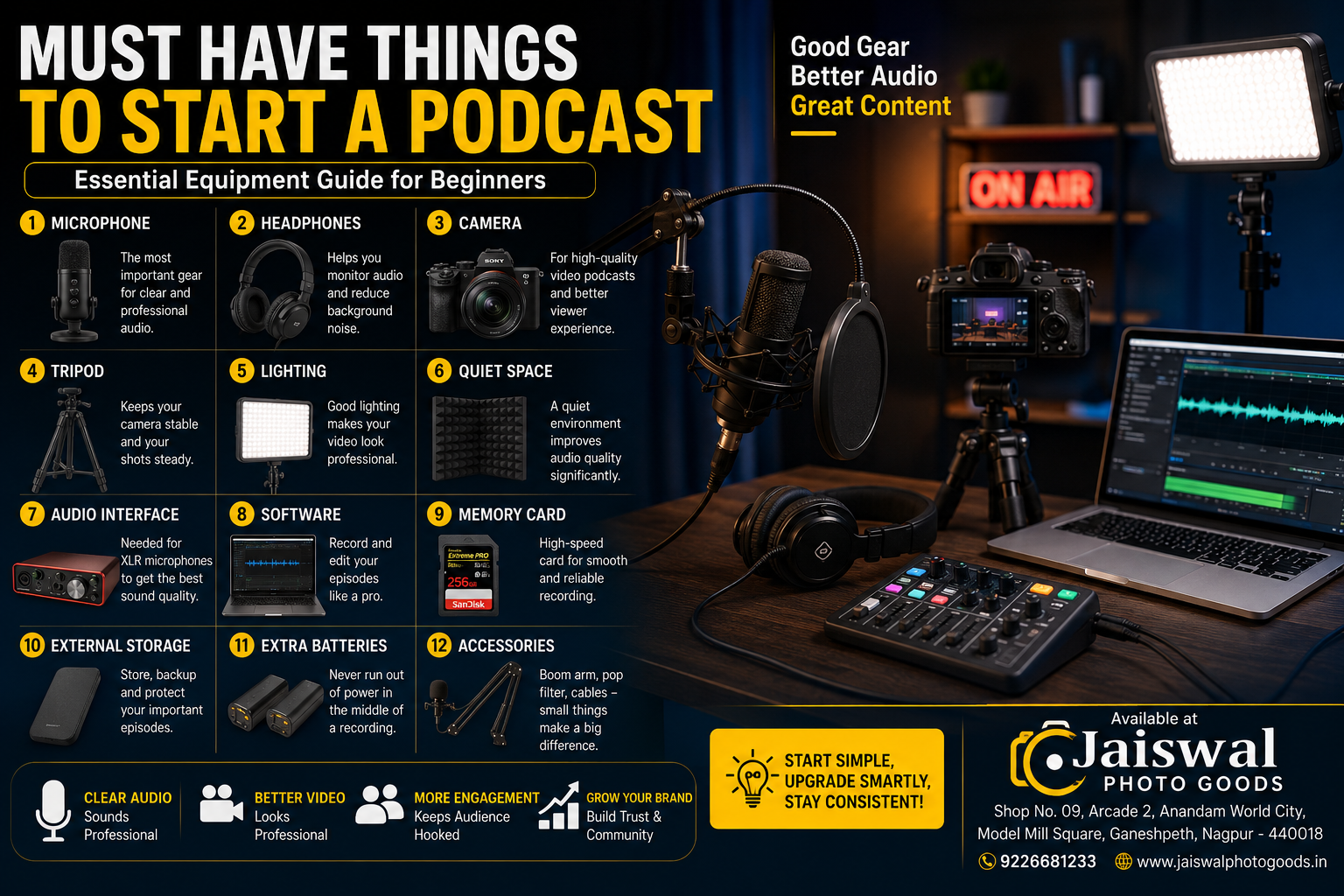
Starting a podcast has never been easier. Whether you want to share your knowledge, interview guests, build a personal brand, or grow your business, having the right equipment can make a huge difference in your audio and video quality.
Many beginners think they need an expensive studio before recording their first episode. The truth is that you only need a few essential tools to create professional-looking and professional-sounding podcasts.
In this guide, we’ll cover the must have things to start a podcast, explain why each item matters, and help you choose equipment that fits your budget.
1. A Good Podcast Microphone
The microphone is the most important investment for any podcaster.
Listeners may forgive average video quality, but poor audio often makes people stop listening within minutes.
Choose a microphone based on your recording style:
- USB microphones for beginners
- Wireless microphones for creators on the move
- XLR microphones for professional studio setups
Popular microphone brands include:
- Hollyland
- DJI
- Rode
- Shure
- Sennheiser
If you create content using a smartphone, compact wireless microphones provide excellent sound quality while keeping your setup portable.
Latest Products

SJCAM M1 Wireless Lavalier Microphone | Pro Noise Cancellation-24H Duration-50m (165ft) Transmission | Microphone for PC, iPhone,Android, Record Interview, Vlogs with (2TX+1RX) Charging Case | Black
Sjcam M1 wireless Mic
- Brand: Sjcam
- Distance: 200M
- Connection:48khz
- Model No: M1
- Colour: Black
- Connectivity:- Type C Receiver, Lightning, Aux


Portronics Dash 7 Ai Omnidirectional Type C Wireless Microphone, Ai Enabled Noise Cancellation, Plug & Play, Lapel Wireless Mic for Video Recording, Supports Type C Android, iPhone, Camera(Black)
Portronics Dash 7 Ai Omnidirectional Type C Wireless Microphone
- Brand: Portronics
- Distance: 100M
- Connection:48khz
- Model No: Dash 7 Ai
- Colour: Black
- Connectivity:- Type C Receiver


Simpex ( SDM 001 ) Dynamic RGB USB Condenser Microphone for PC, RGB Condenser Computer Mic with Tripod Stand, Quick Mute, Gain Control, for Gaming, Streaming, Podcasting, Recording
- Simpex SDM oo1 Mic
- Brand: Simpex
- Distance: wired
- Connection:48khz
- Model No: SDM 001
- Warranty: 1 Year
- Colour: Black
- Box Content:- Mic, Tripod Stand, C to USB/C cable, Filter
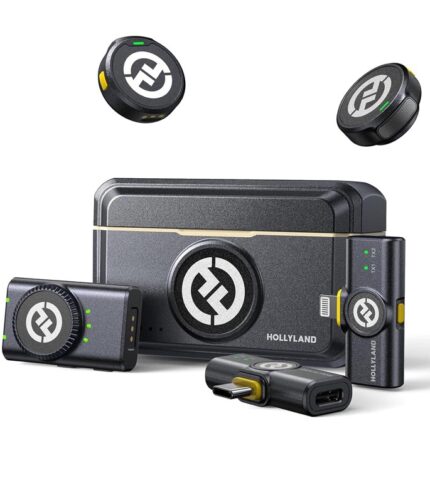
Hollyland Lark M2 Wireless Microphone for iPhone/Camera/Android/PC, 48kHz/24-bit High Fidelity Audio, 300m Range, Noise Cancelling, 40h Use, YouTube, Vlog, Streaming (2TX + 3RX + Charging Case)
- Hollyland Lark M2 Mic
- Brand: Hollyland
- Distance: 300M
- Connection:48khz
- Model No: Lark M2
- Warranty: 1 Year
- Colour: Black
- Box Content:- Camera Receiver x1, USB-C Receiver x1, Lightning Receiver x1, Charging Case x1, Necklace Silicone Case x2, TX Windscreen x2, TX Sticker x1, Storage Bag x1, Transmitter x2, USB-A to USB-C Cable x1, 3.5mm TRS to 3.5mm TRS Cable (Camera) x1
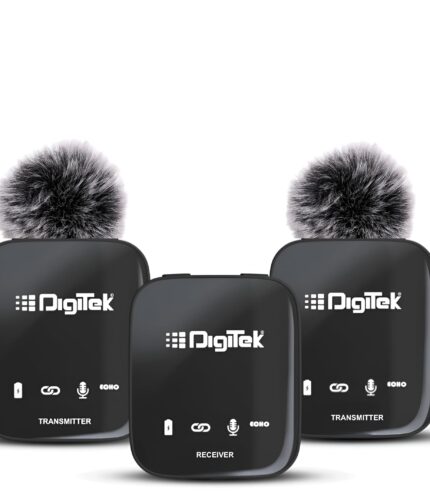
DIGITEK® DWM 101 2-in-1 Wireless Microphone, 2.4GHz, Magnetic Collar Clip, 360° Sound Capture, 40m Range, 6Hr Battery, Type C-to-C & DSLR, iOS & Android Compatible, for Interviews & Vlogging
- Digitek DWM 101 mic
- Brand: Digitek
- Distance: 100M
- Connection:2.4GHZ
- Model No: DWM 101 Pro
- Warranty: 6 Months
- Colour: Black
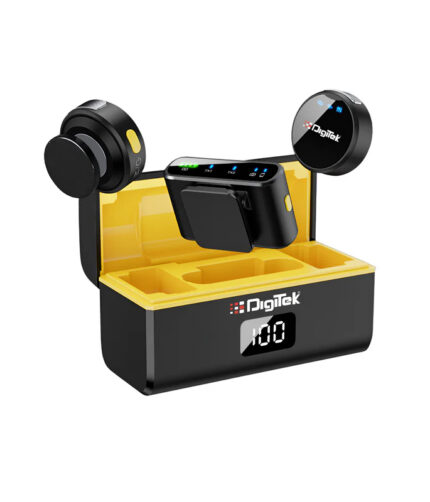
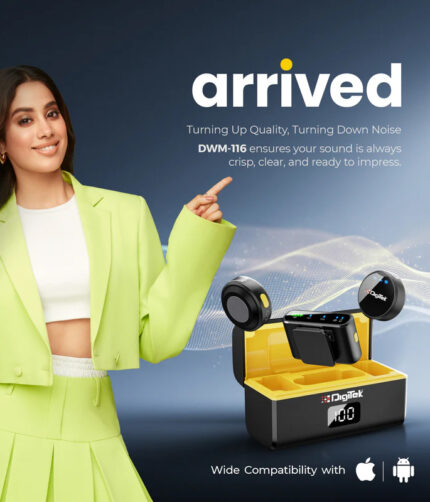
DIGITEK® (DWM-116) 2-in-1 Wireless Microphone, DSLR, iOS & Android Compatible
- Digitek DWM 116 mic
- Brand: Digitek
- Distance: 40M
- Connection:2.4GHZ
- Model No: DWM 116
- Warranty: 6 Months
- Colour: Black
2. Headphones
Monitoring your audio while recording helps you catch:
- Background noise
- Echo
- Microphone issues
- Volume fluctuations
Closed-back headphones are recommended because they prevent sound leakage into the microphone.
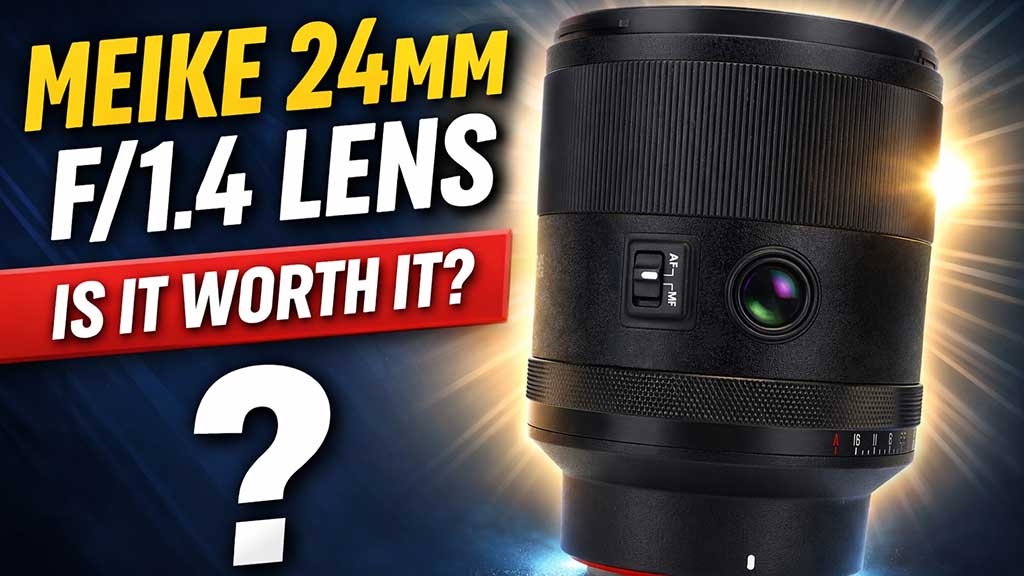
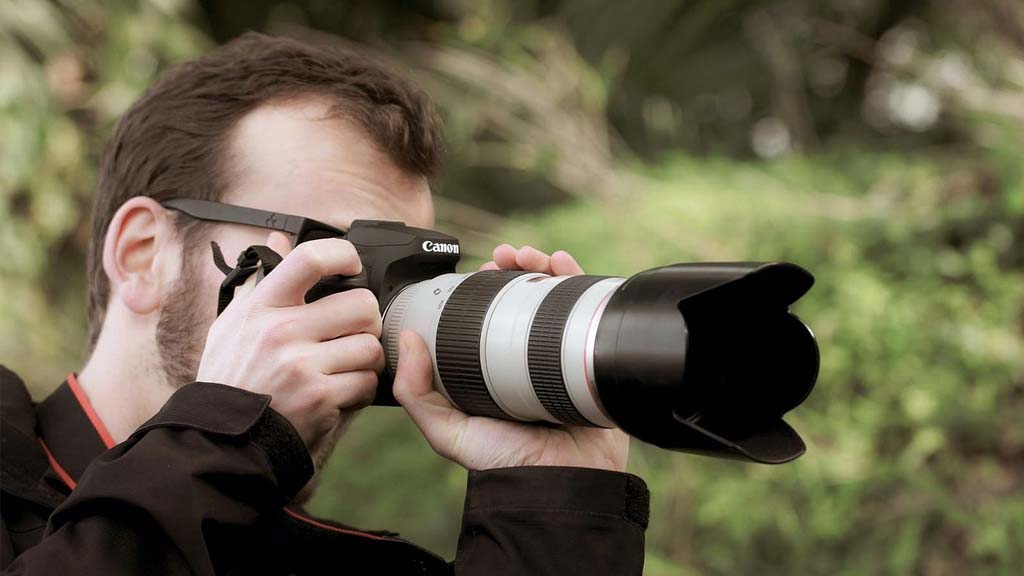
3. Camera (For Video Podcasts)
Video podcasts are growing rapidly across platforms like YouTube, Spotify, Facebook, and Instagram.
A dedicated camera offers:
- Better image quality
- Improved autofocus
- Better low-light performance
- Interchangeable lenses
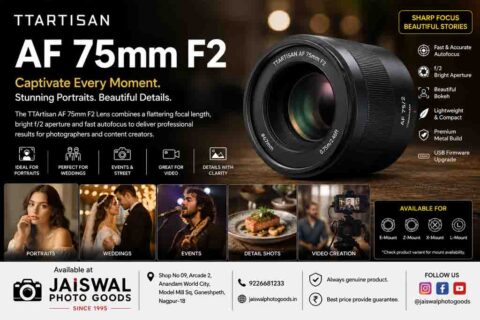
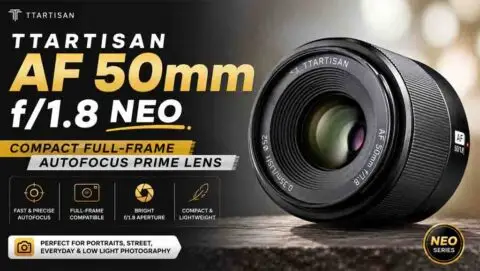
Popular options include mirrorless cameras from Nikon, Sony, Canon, and Fujifilm.
Even entry-level mirrorless cameras produce significantly better results than most webcams.

4. Stable Tripod
A shaky camera immediately reduces the professionalism of your content.
A sturdy tripod helps maintain:
- Stable framing
- Consistent angles
- Better composition
Look for adjustable-height tripods that can also support lights or accessories.
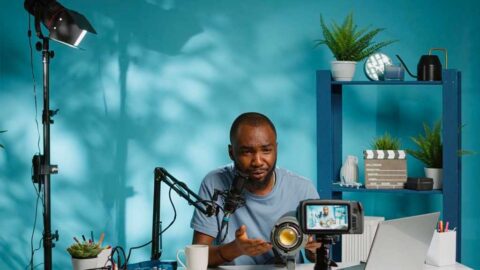
5. Proper Podcast Lighting
Lighting dramatically improves video quality—even if you’re using an entry-level camera.
Basic lighting options include:
- LED panel lights
- Softbox lights
- Ring lights
- RGB video lights
Soft, diffused lighting creates a natural look while reducing harsh shadows on your face.
Latest Products
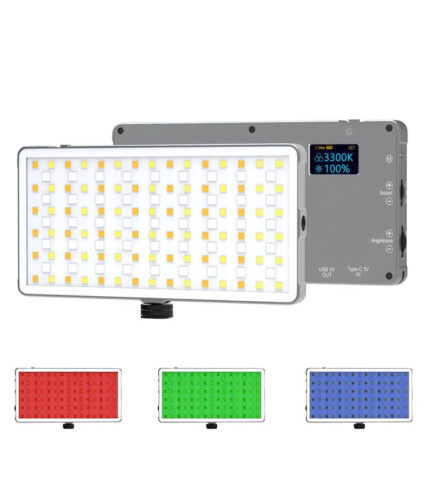
DIGITEK RGB Light LED-D135 ML 12W Metal Body with OLED Display
DIGITEK RGB Light LED-D135 ML
- Brand: Digitek
- Model: D135 ML
- Power: 12W
- Tempreture: 3200k-5500K+ 360 RGB Light
- Mount: All dslr/stand
- Box Content: 1 LED Light, 1 Pouch, 1 Charging cable
Claim GST Credit upto 28% (Provide GST Number in customer Note)
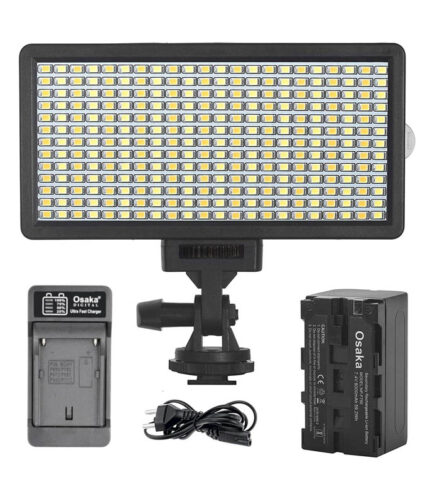
Osaka Bi-Color Dimmable LED Video Light OS-LED-308 Pocket LED Slim for All DSLR Video Cameras YouTube Video tiktok Photography Shooting with F750 Battery 8000 mAh and Fast Charger
- Brand: Osaka
- Model: 308-LED Combo
- LED Light: 308
- Tempreture: 3200k-5500K
- Mount: All dslr/stand
- Box Content: 1 LED Light, 1 8000 mah battery, 1 osaka fast charger
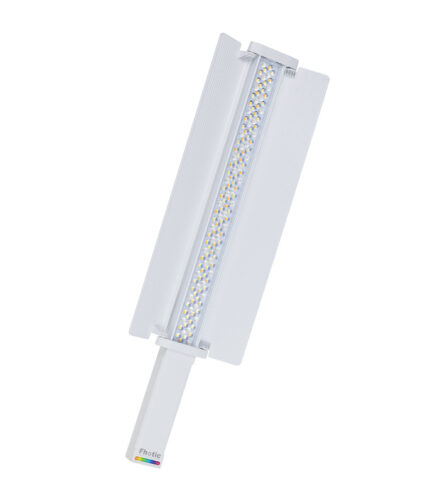
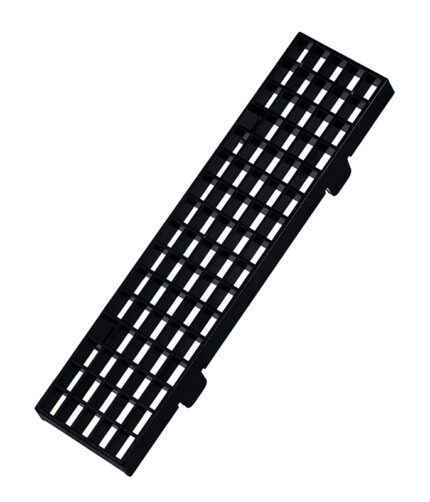
Fhotic light stick FSL 6000 60W light stick with honeycomb grid
Fhotic Light Stick FSL-6000
- Brand: Fhotic
- Watt:- 60w
- Connection:Wireless
- Model No: FSL-6000
- Warranty: 6 months
- Colour: White
- Box Content: One Light, honeycomb, Soft attachment, Bag, Charging cable
- Battery: In built 5400 mah
Claim GST Credit upto 28% (Provide GST Number in customer Note)
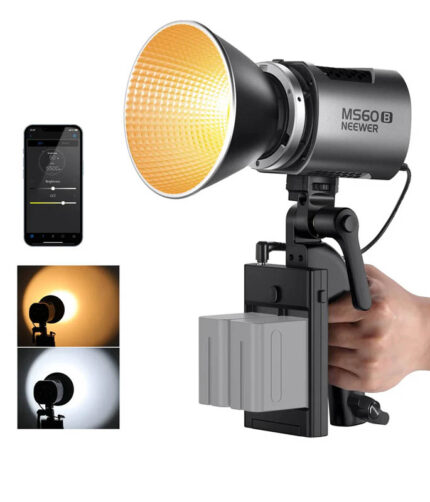
Neewer MS60B Bi-Color LED Monolight
Neewer MS60B Continuous Video Light
- Brand: Neewer
- Watt:- 65W
- Model No: MS60B
- Colour: Metallic Grey
- Box Content: One Light, One Doom, One Power Cable, Battery Adapter, Power Adapter, Bowens Mount
- Battery: Exclude
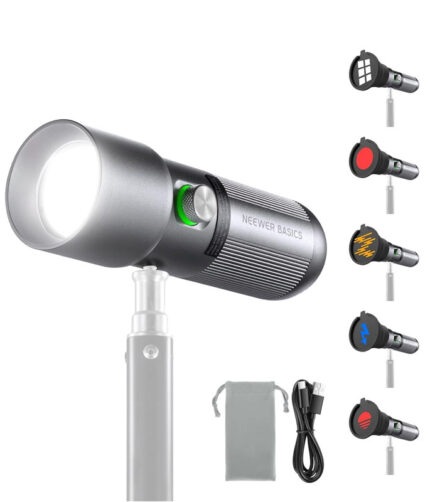
Hiffin G Flash RGB Photography Flashlight, 4 Colors/20 GOBO Filters/CRI95+/7500mAh, 10W 6300K Portable LED Video Spotlight Patterned Ambient Aluminum Sunset Light for Recording Studio Lighting
Hiffin G Flash
- Brand: Hiffin
- Watt:- 10W
- Model No: G Flash
- Colour: Metallic Grey
- Gobo Filters:- 20 Filters
- Box Content: One Light, One Diffuser, Charging Cable, Mini Reflector
- Battery: Inbuilt
- Warranty:- 6 Months
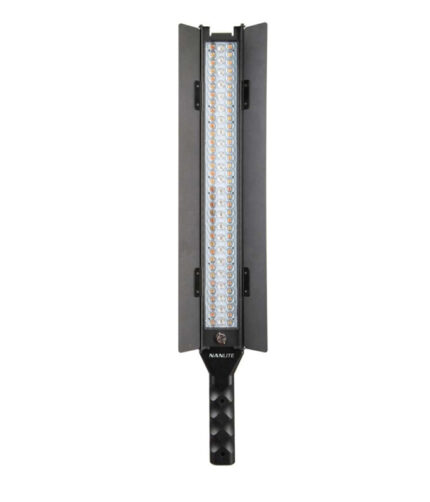
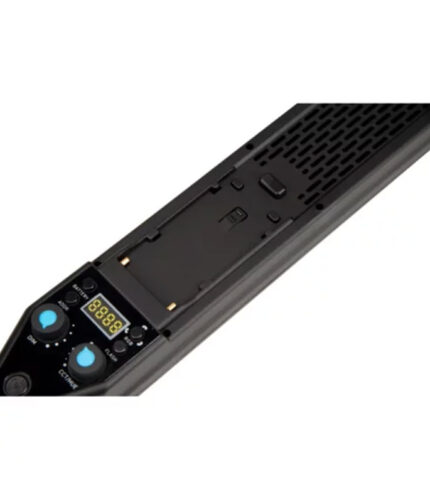
Nanlite MixWand 18II RGBWW Wand Light with Barn Door
- Nanlite Mixwand 18
- Brand: Nanlite
- Watt:- 18W*3
- Connection:Wireless
- Model No: Mixwand 18II
- Warranty: 2 Years
- Colour: Black
- Box Content: One Light, Barn Door, Diffuser
- Battery: Not Included
Claim GST Credit upto 28% (Provide GST Number in customer Note)
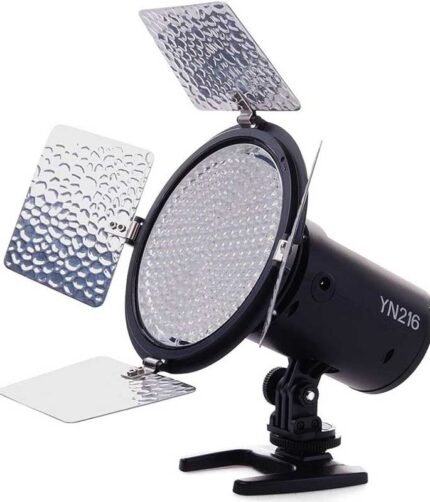
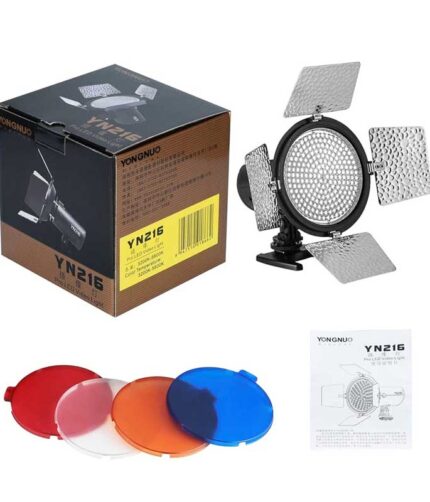
Yongnuo YN 216 LED Light For Video and Photo Camera with 5500K Color Temperature and 4 Color Plates for Canon Nikon Sony and all Other DSLR Cameras
- Brand:Yongnuo
- Model: YN 216
- LED Light: 216
- Tempreture: 5500K
- Mount: All dslr
- Box Content: 1 LED Light, 4 Colour Plates
6. Quiet Recording Space
Your recording environment matters just as much as your microphone.
Reduce unwanted echo by using:
- Curtains
- Carpets
- Cushions
- Acoustic foam panels
- Bookshelves
A smaller room with soft furnishings usually sounds much better than a large empty room.
7. Audio Interface (For XLR Microphones)
If you’re using an XLR microphone, you’ll also need an audio interface.
An audio interface:
- Converts analog audio into digital audio
- Provides clean microphone gain
- Improves recording quality
- Connects multiple microphones
This is essential for professional podcast studios.
8. Podcast Recording Software
You’ll need software to record and edit your episodes.
Popular options include:
- Audacity
- Adobe Audition
- DaVinci Resolve Fairlight
- Riverside
- OBS Studio
Choose software based on your experience level and editing needs.
9. Fast Memory Card
If you’re recording with a camera, invest in a reliable memory card.
A high-speed memory card offers:
- Faster recording
- Reliable performance
- Better support for 4K video
- Reduced risk of recording errors
Always purchase genuine memory cards from trusted sellers.
10. External Storage
Podcast episodes consume a lot of storage, especially when recording in 4K.
External SSDs help:
- Backup projects
- Speed up editing
- Prevent accidental data loss
- Organize multiple podcast episodes
Keeping at least two backups is a good practice.
11. Extra Batteries and Chargers
Nothing interrupts a recording session faster than a dead battery.
Always keep:
- Spare camera batteries
- Wireless microphone charging case
- Battery charger
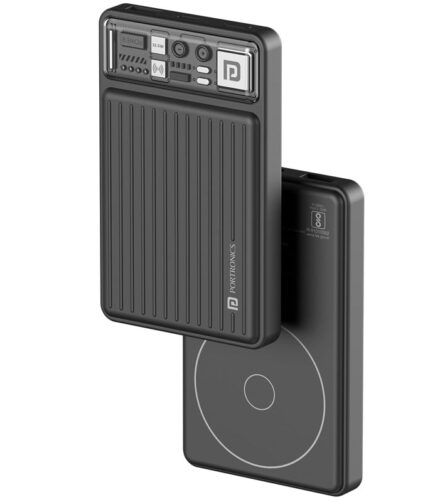
- Power bank
This is especially useful when recording interviews outside your studio.
12. Podcast Desk Accessories
Small accessories improve workflow and recording quality.
Useful accessories include:
- Boom arm
- Shock mount
- Pop filter
- Cable organizers
- Monitor stand
- Smartphone holder
These accessories create a cleaner and more efficient workspace.
13. High-Speed Internet
If you conduct remote interviews, a stable internet connection is essential.
Reliable internet ensures:
- Better call quality
- Stable live streaming
- Faster uploads
- Cloud backups
14. Editing Computer
Video podcasts require a capable computer.
Recommended specifications:
- Multi-core processor
- Minimum 16GB RAM
- SSD storage
- Dedicated graphics card for video editing
A smooth editing workflow saves time and reduces frustration.
15. Content Planning Tools
Equipment alone doesn’t make a successful podcast.
Plan:
- Episode topics
- Guest list
- Publishing schedule
- Social media clips
- Thumbnail ideas
Consistency is one of the biggest factors in podcast growth.
Beginner Podcast Equipment Checklist
✔ Podcast microphone
✔ Camera or smartphone
✔ Tripod
✔ Video lights
✔ Headphones
✔ Memory card
✔ External SSD
✔ Audio interface (if using XLR)
✔ Recording software
✔ Extra batteries
✔ Boom arm
✔ Pop filter
✔ Quiet recording room
✔ Editing computer
Tips for Better Podcast Quality
- Record in a quiet room.
- Keep your microphone close to your mouth.
- Use consistent lighting.
- Test your equipment before every recording.
- Always record a backup copy.
- Edit out unnecessary pauses and background noise.
- Maintain a regular publishing schedule.
Frequently Asked Questions
Can I start a podcast with just my phone?
Yes. A smartphone combined with a good wireless microphone and proper lighting can produce excellent results for beginners.
What is the most important podcast equipment?
A quality microphone is the single most important piece of equipment because clear audio has the biggest impact on listener experience.
Do I need an expensive camera?
No. Many modern mirrorless cameras and even smartphones can record high-quality video podcasts when paired with good lighting.
Should beginners buy an XLR microphone?
Not necessarily. USB and wireless microphones are simpler to use and require less additional equipment, making them ideal for beginners.
Final Thoughts
Starting a podcast doesn’t require a professional studio filled with expensive equipment. Focus on investing in the essentials first: a reliable microphone, proper lighting, stable camera support, and a quiet recording space. As your podcast grows, you can gradually upgrade your setup with advanced gear like audio interfaces, professional cameras, and studio lighting.
Remember, engaging content and consistent publishing matter just as much as your equipment. Begin with the right tools, refine your workflow, and keep improving each episode.
Why Buy Your Podcast Equipment from Jaiswal Photo Goods?
Whether you’re a beginner or an experienced content creator, Jaiswal Photo Goods offers genuine podcast and creator equipment, including microphones, cameras, lighting, tripods, memory cards, gimbals, and other essential accessories.
Visit Us:
Shop No. 09, Arcade 2, Anandam World City, Model Mill Square, Ganeshpeth, Nagpur – 440018
Call: 9226681233
Website: https://jaiswalphotogoods.in
Our team can help you build the right podcast setup based on your budget and content goals, ensuring you invest in equipment that meets your current needs while allowing room to grow.