

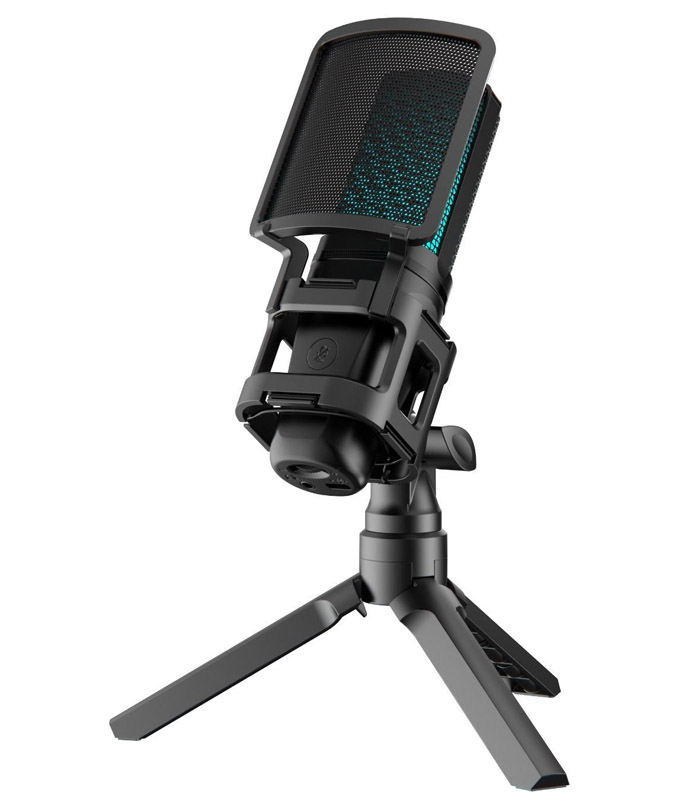
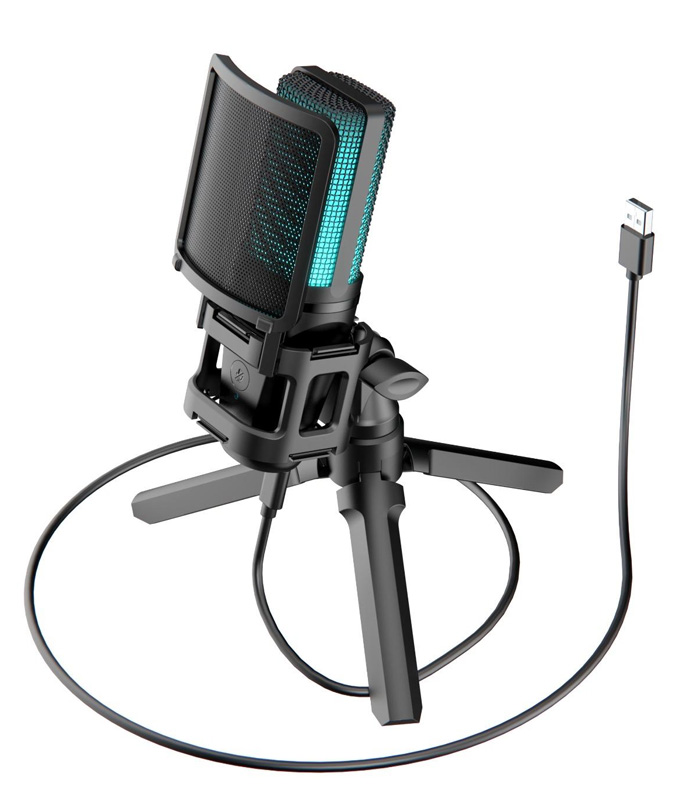
Simpex SDM 001 RGB Mic
Product Description
The Simpex SDM-001 is a plug-and-play USB condenser microphone built for gaming, streaming, podcasting, and recording. It features a cardioid pickup pattern and a high-fidelity condenser capsule that captures clear, detailed audio across 20 Hz–20,000 Hz.
It includes a sturdy metal pop filter for plosive control, zero-latency headphone monitoring, and quick-mute plus gain control — making live streaming or voice-overs simple and professional.
Dynamic RGB lighting adds a visual flair that syncs with your voice or stays static, giving your setup a polished, modern look.
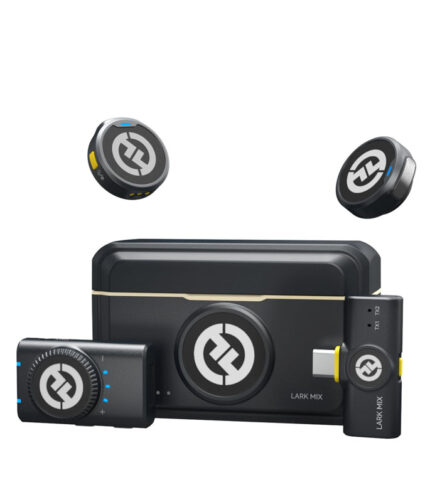
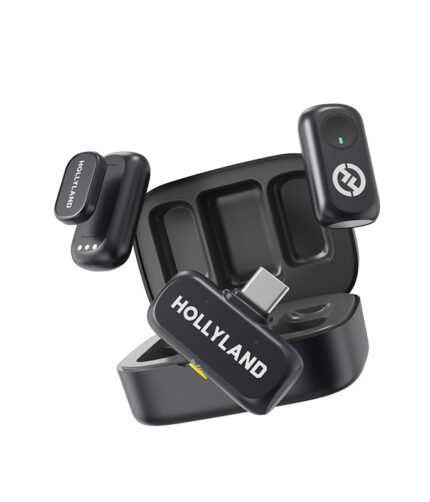
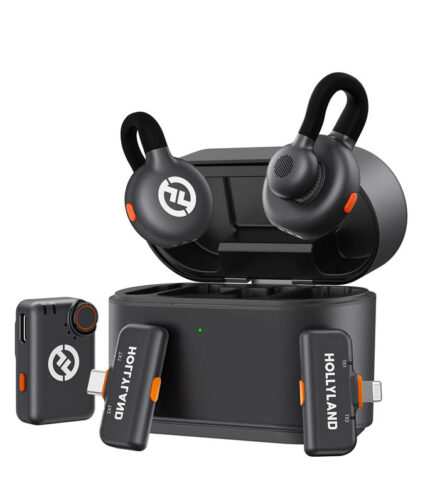
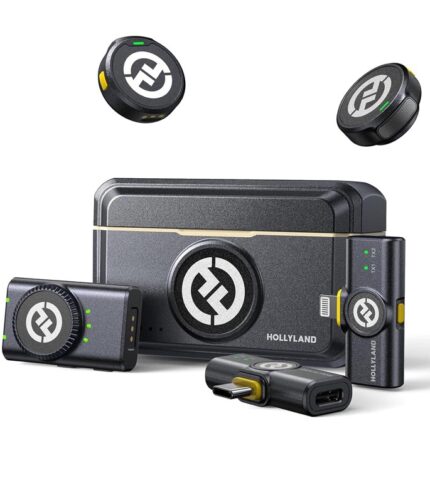
- Brand: Hollyland
- Distance: Upto 300M
- Warranty: 1 Years
- Connection:2.4GHZ
- Model No: Lark M2 Combo
- Colour: Black
How to use
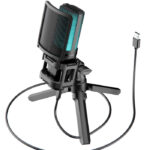
1. Connect the USB Cable
Plug the microphone’s USB cable into your PC, laptop, or compatible device.
The RGB lights will automatically turn on, confirming it’s powered.
2. Attach the Tripod Stand
Fix the mic onto the included tripod stand.
Adjust the angle so it faces your mouth directly for the best voice clarity.
3. Select the Mic as Your Input Device
Go to Sound Settings on your computer.
Under Input Device, choose “Simpex SDM-001 Microphone”.
4. Set Your Distance
Sit 6–10 inches away from the microphone.
Speak towards the front (logo side) for optimal pickup.
5. Adjust the Gain Control
Turn the Gain knob to increase or decrease mic sensitivity.
Higher gain for soft voices, lower gain to avoid distortion.
6. Use the Quick-Mute Button
Tap the Mute button to instantly turn your mic on/off—perfect for gaming or Zoom calls.
7. Monitor Audio (If Needed)
Connect your earphones/headphones to the mic’s 3.5mm monitoring port for zero-latency monitoring.
8. Start Recording or Streaming
Open your app: OBS, Zoom, Audacity, Premiere Pro, FL Studio, etc.
Select the Simpex SDM-001 in your audio settings and start capturing clean, crisp sound






Reviews
There are no reviews yet.